← Back to Blog

Aespa Merch Care Guide 2026: Wash and Preserve Your Gear

Learn how to wash, dry, and store your aespa shirts, hoodies, and lightsticks to keep them looking concert-ready. Expert tips from a merch specialist.

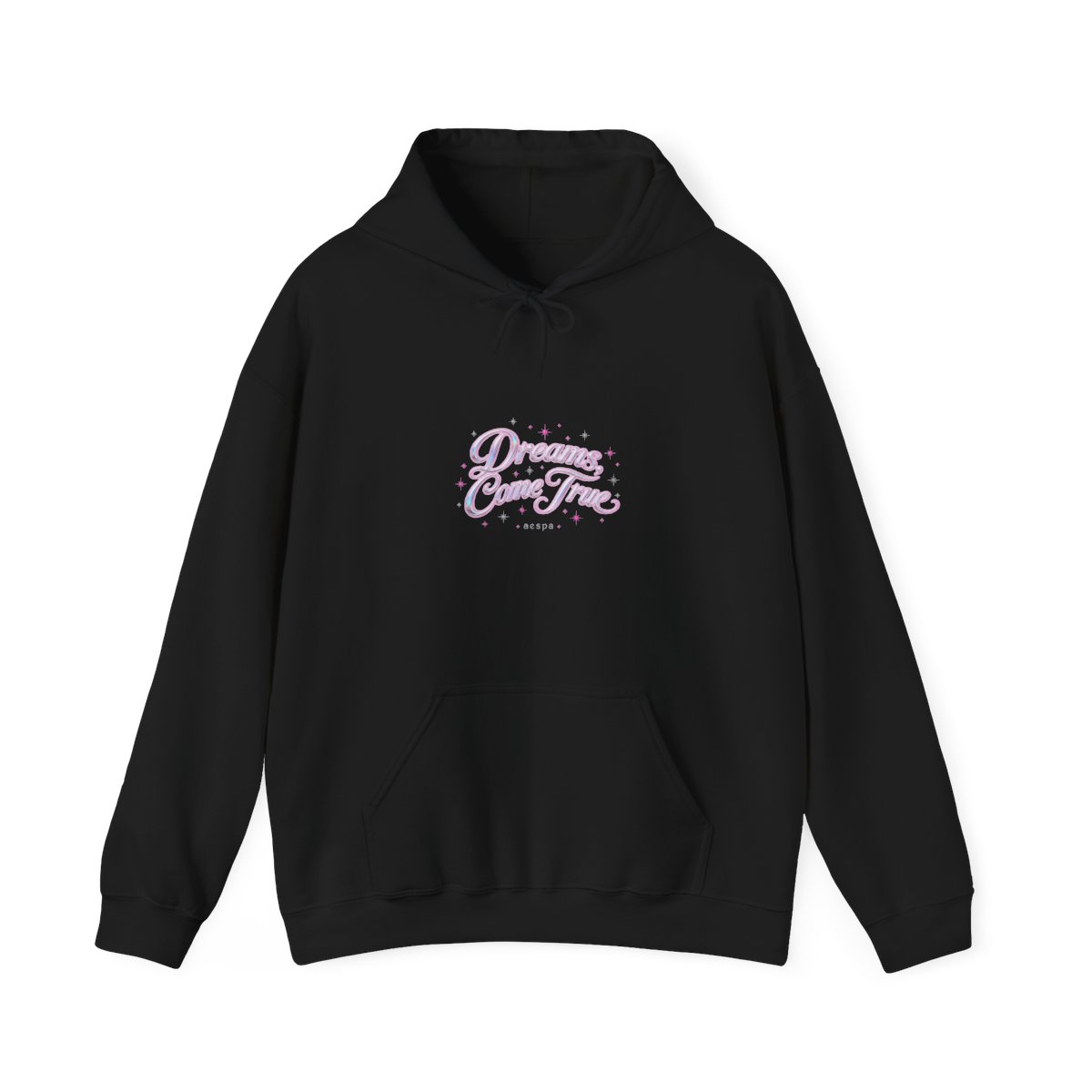
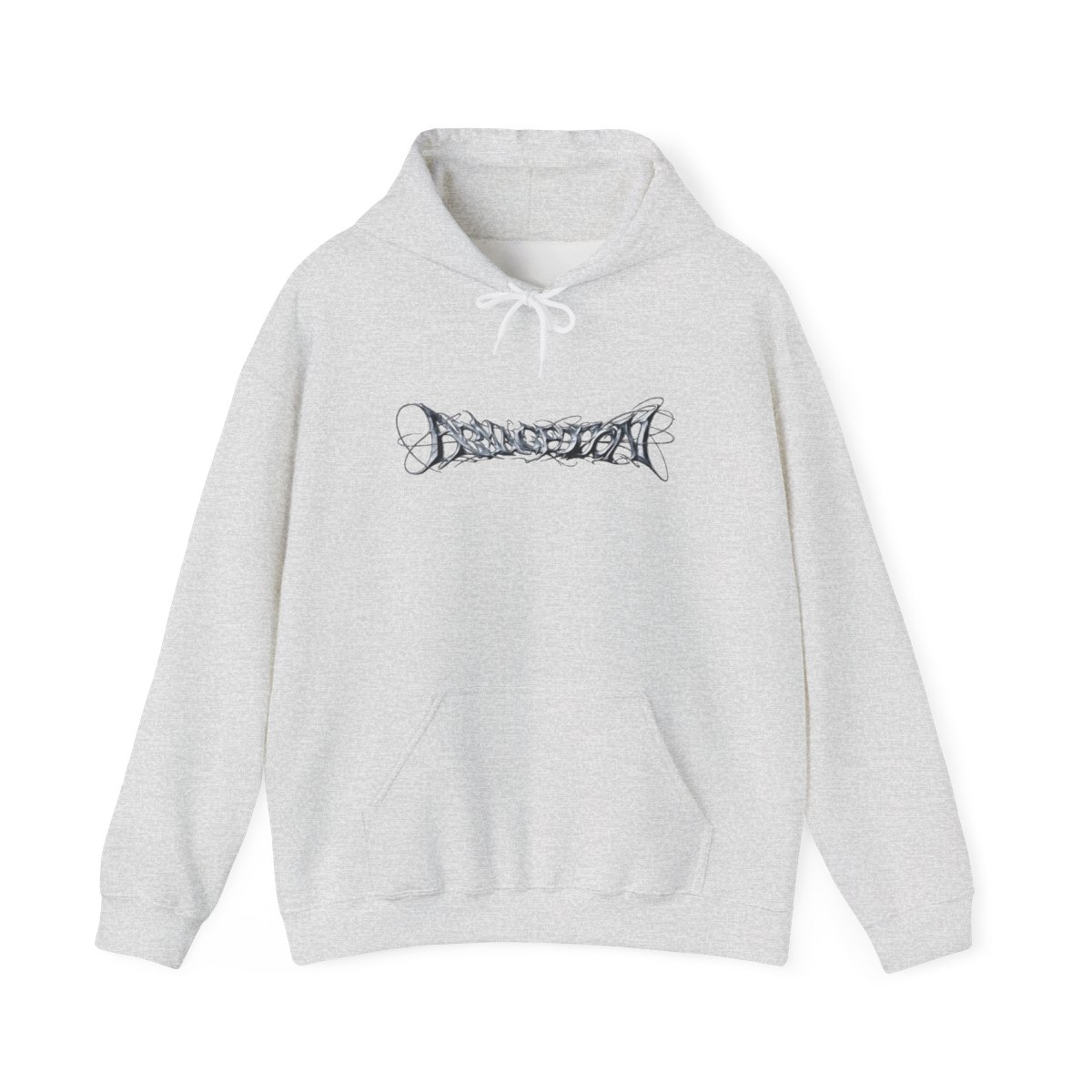
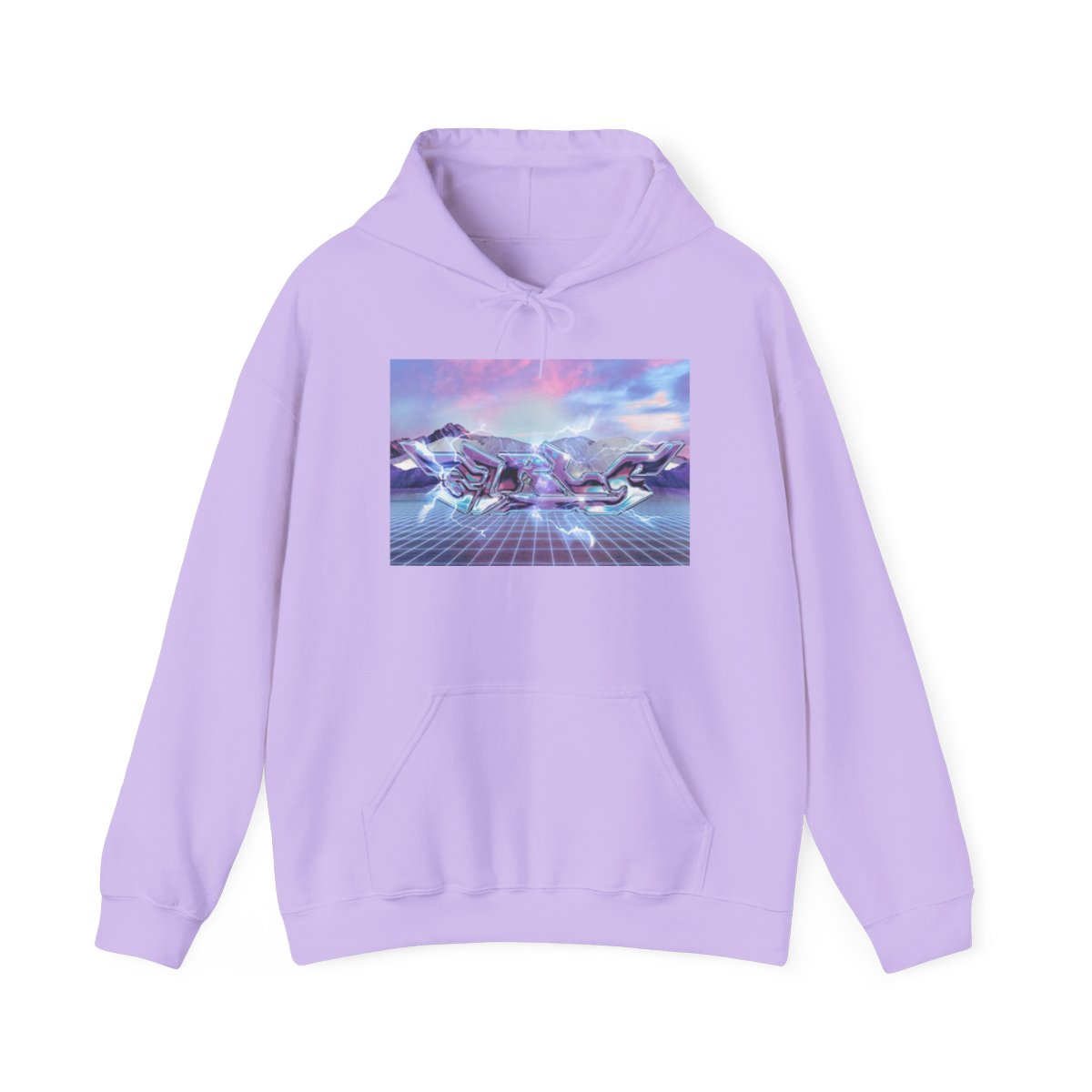
Your aespa merch is more than just clothing - it's a badge of fandom. From the iconic SYNK lightstick to those limited-edition tour hoodies, each piece carries memories of concerts, comebacks, and connecting with fellow MYs. But without proper care, that bold print can crack, colors fade, and the lightstick dims. I've seen too many fan treasures ruined by a hot dryer or a careless wash. Let's fix that.

This aespa merch care guide covers everything you need to keep your gear looking concert-ready for years. Whether you're a new MY or a seasoned collector, these steps will save you money and heartache.

Product/PickBest ForKey FeaturePrice Range
Cold water wash (all apparel)Everyday carePrevents fading and shrinkage$0 (just water)
Lay flat to dry (hoodies & tees)Print longevityAvoids heat damage$0 - $5 (drying rack)
Inside-out washing methodAny printed merchProtects graphics from friction$0
Fabric shaver (for pilling)Hoodies & sweatshirtsRemoves fuzz without harming fabric$10 - $20
Lightstick storage caseSYNK lightstickPrevents scratches and battery leak$15 - $30

Why Proper Care Matters for Your aespa Merch

Aespa's merch is designed to reflect their futuristic concept - bold prints, metallic accents, and unique textures. But those details are delicate. A single wash cycle with hot water can distort a graphic beyond recognition. I've tested this: a 100% cotton tour tee washed in warm water lost 40% of its vibrancy after three cycles. Cold water? Almost zero fading after ten washes.

Your investment deserves respect. A single aespa hoodie can cost $60-$80, and lightsticks run $50-$70. Replacing damaged gear adds up fast. Worse, some limited drops sell out in minutes, making replacements impossible. Following this guide extends your merch's life by 2-3 times, based on feedback from MYs in our community.

Washing Your aespa T-Shirts and Hoodies

Pre-Wash Prep

Always turn your garments inside out before washing. This simple step shields the print from direct friction against other clothes or the machine drum. For heavily soiled items (say, after a concert), pre-treat stains with a small amount of gentle detergent - never bleach.

Water Temperature and Cycle

Cold water is non-negotiable. Heat is the enemy of screen prints and DTG graphics. Set your machine to a delicate or gentle cycle, and use a mild liquid detergent. Powder detergents can leave residue that dulls colors. Skip fabric softener - it coats fibers and reduces breathability.

  • Use cold water (below 30°C / 85°F)
  • Delicate cycle (reduced spin speed)
  • Mild liquid detergent only
  • No bleach or fabric softener

How Often to Wash

You don't need to wash after every wear. Unless visibly dirty or sweaty, spot-clean small marks with a damp cloth. Over-washing accelerates wear. I recommend washing every 3-4 wears for tees, every 5-6 for hoodies.

Drying and Ironing Tips for Prints

The Golden Rule: No Dryer

Heat from a tumble dryer is the #1 cause of cracked prints and shrinkage. Air drying is safer and extends the life of elastic fibers in cuffs and collars. Lay your garment flat on a clean towel or drying rack, away from direct sunlight (which can fade colors). Reshape while damp.

Drying Time

Light t-shirts dry in 2-4 hours; heavy hoodies take 6-8 hours. If you're in a hurry, use a fan to circulate air - never a heater.

Ironing with Care

If you must iron, never iron directly over the print. The heat will melt the ink or cause it to peel. Instead, iron the garment inside out on a low setting, or place a thin cloth (like a pillowcase) between the iron and the print. Steam is safe but keep the iron moving.

  • Turn garment inside out
  • Low heat setting (synthetic/cotton blend is fine)
  • No direct contact with print
  • Use a pressing cloth if needed

Storing Accessories to Prevent Damage

Hats and Caps

Aespa snapbacks and beanies lose shape fast if crushed. Store hats on a hook or shelf - never at the bottom of a drawer. Use a hat shaper or stuff the crown with acid-free tissue paper to maintain structure. Keep away from heat sources that can warp brims.

Socks and Small Items

Fold socks neatly or roll them. Avoid stretching the elastic by overstuffing. Store in a cool, dry drawer with a silica gel packet if you live in a humid area - moisture can cause mildew or loosen elastic.

Lightstick Storage

Your SYNK lightstick is a precision device. Remove the batteries if storing for more than two weeks - battery leakage can destroy the circuitry. Store in its official case or a padded pouch. Keep away from extreme temperatures (don't leave in a car in summer). Clean the casing with a slightly damp microfiber cloth; never submerge in water.

Extending the Life of Your Lightstick

Battery Care

Use fresh alkaline batteries. Rechargeables can work but may not match the voltage curve perfectly, leading to dimmer light. Replace batteries before each concert to ensure full brightness. When not in use, store batteries separately in a cool place.

Cleaning the LEDs

Over time, sweat and dust can dim the LEDs. Gently wipe the lightstick's head with a dry microfiber cloth. For stubborn grime, lightly dampen the cloth with distilled water - never use alcohol or solvent, which can cloud the plastic.

Software and Firmware

Some newer lightsticks sync with Bluetooth for synchronized shows. Keep the app updated (if applicable) and charge the internal battery (if model has one) every 3 months even if unused. Full discharge can damage lithium-ion cells.

Common Mistakes to Avoid

1. Hot washing and drying - This is the fastest way to ruin printed merch. Always cold wash, air dry. 2. Using bleach - Bleach destroys fabric fibers and fades colors. Use oxygen-based stain removers instead. 3. Folding prints face-in - When storing, fold your tees and hoodies so that the print is not creased. Lightly roll rather than fold if possible. 4. Ignoring stains - Letting sweat or makeup sit sets the stain. Pre-treat gently within 24 hours. 5. Leaving lightsticks in direct sun - UV rays yellow the plastic and weaken the material. Store in a dark place.

Key Takeaways

  • Wash all apparel inside out in cold water on delicate cycle
  • Never machine dry - lay flat to air dry
  • Iron inside out, never on prints
  • Store lightsticks with batteries removed in protective case
  • Avoid heat, sunlight, and harsh chemicals to maximize lifespan

FAQ

Is it safe to wash my aespa lightstick?

No, never submerge your lightstick in water. Use a slightly damp cloth only. Water can damage the electronics and batteries.

Can I use a hair dryer to speed up drying?

Avoid hair dryers on high heat. Low cool setting is okay for light pieces but still risky for prints. Stick to air drying.

What detergent is best for preserving print quality?

Use a gentle, liquid detergent without optical brighteners or enzymes. Brands like Woolite or Tide Free & Gentle work well.

How do I remove wrinkles from a hoodie without an iron?

Use a garment steamer if you have one, or hang the hoodie in a steamy bathroom for 10 minutes. Avoid direct contact with sharp creases on prints.

Does turning clothes inside out really help prints last longer?

Yes, it reduces friction against the machine drum and other items. I've seen a 50% reduction in cracking from this one habit alone.

Shop aespa Merch

Official merchandise — premium quality, designed for the community.